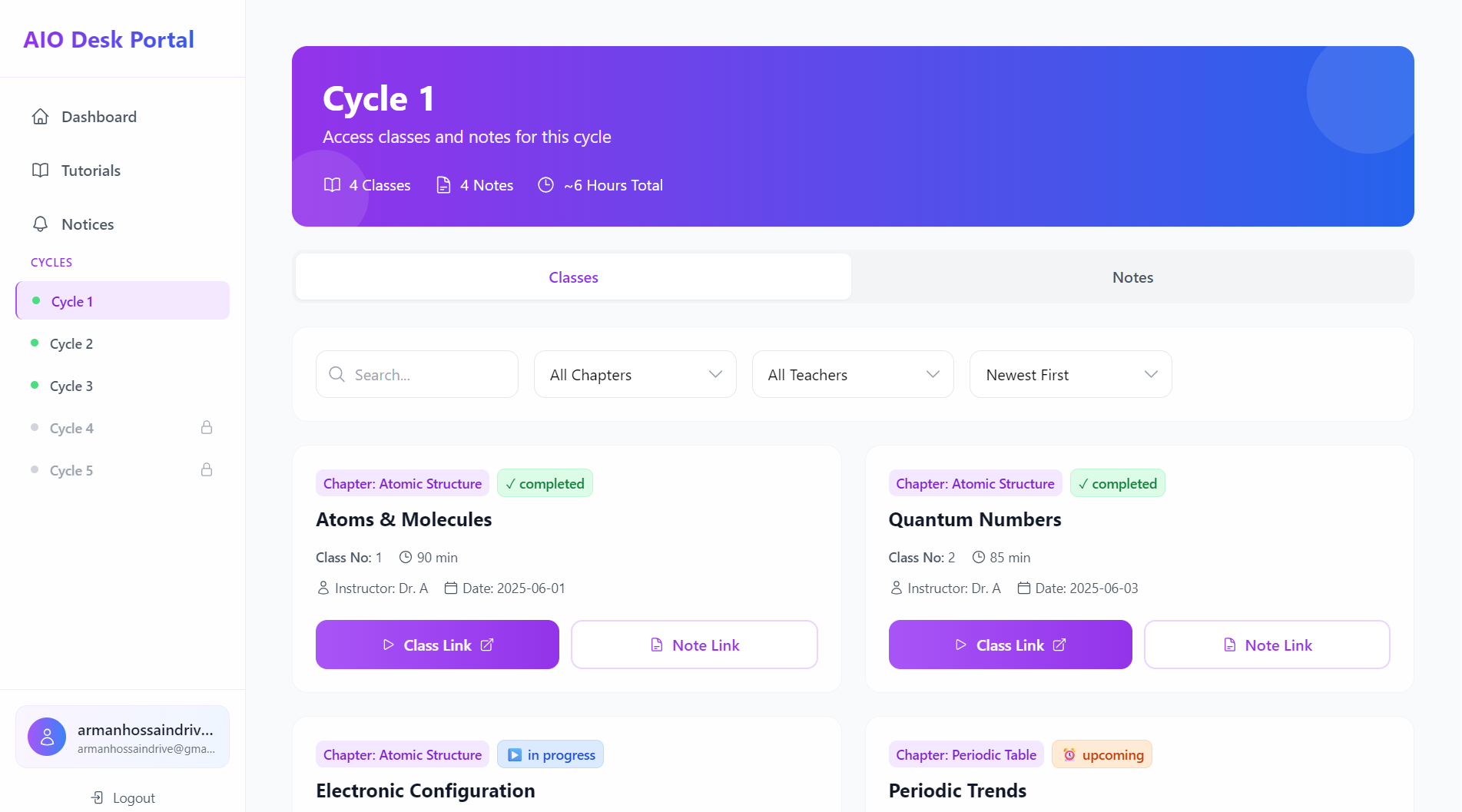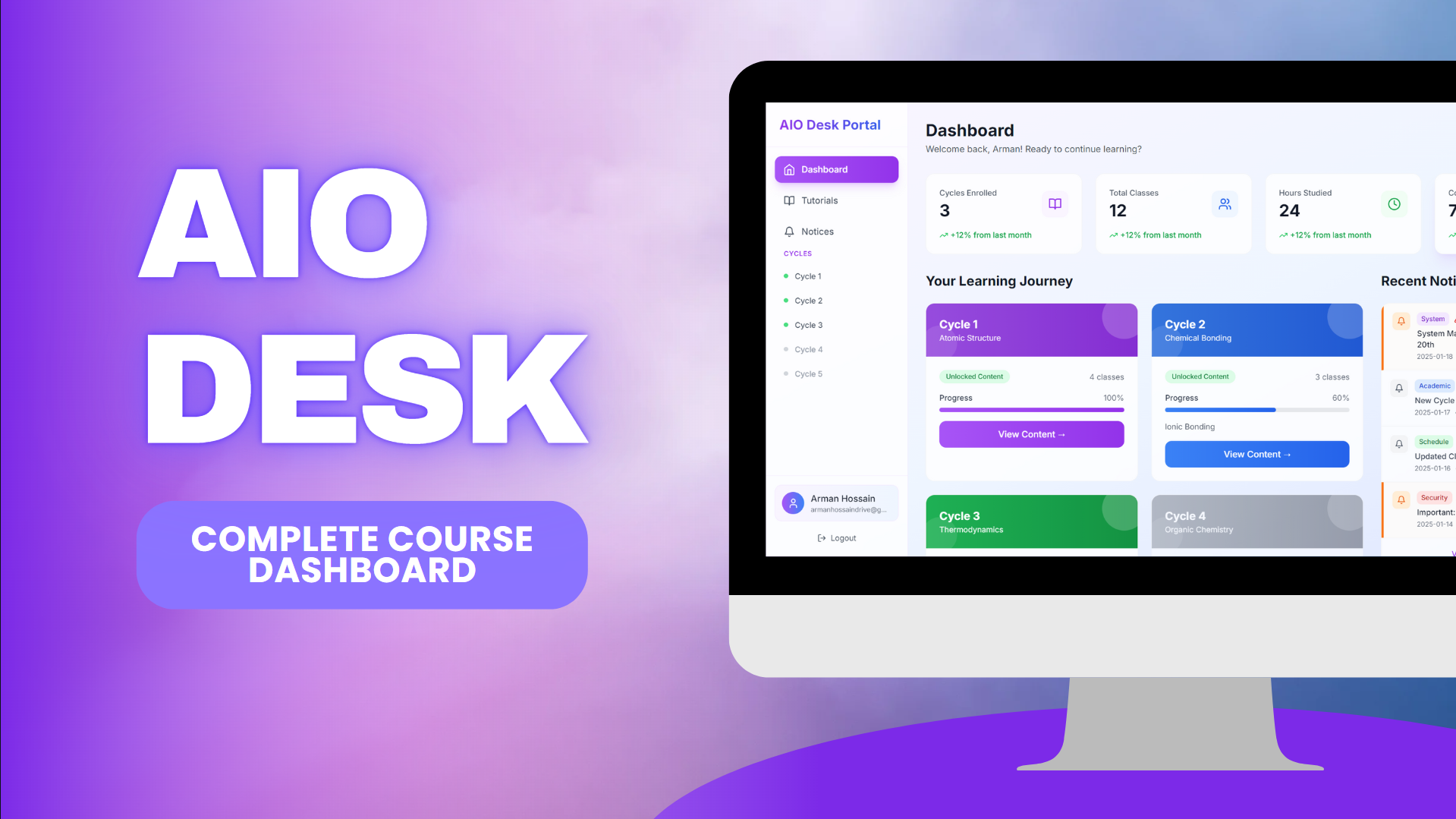
AIODesk – Course Dashboard
AIODesk is a centralized companion platform designed for cycle-based academic courses. It helps students access live class links, notes, notices, FAQs, and more using course-specific access codes, offering a lightweight and student-friendly experience.

AIODesk – Course Dashboard
AIODesk is a centralized companion platform for cycle-based academic courses.
It is designed for institutes that cannot afford or maintain a full LMS but still need a structured, student-friendly dashboard.
Problem it solves
Many low or mid-scale education providers manage courses using spreadsheets, messaging apps, and scattered links.
This creates problems like:
Students missing class links or notes
No single place to see important notices or recent updates
Difficulties in tracking which content belongs to which cycle
How AIODesk helps
Connect a Google Sheet as a lightweight “backend”
Instantly turn it into a student-facing dashboard
Organize class links, notes, cycles, and notices in one place
Reduce operational overhead while keeping the system easy to maintain
Key features
Access-code login – students unlock course content with a course email and a one-time access code
Cycle-based resources – classes and notes are grouped by cycles in a tabbed interface
Dashboard overview – quick view of latest notices, recent classes, and unlocked cycles
FAQ & tutorials – built-in help section for common questions and how-to guides
Notice board – dedicated space for admin announcements, also reflected on the main dashboard
Tech stack (conceptual)
React + Tailwind CSS for the UI
Google Sheets API for data storage and updates
Node.js or Firebase with JWT-based auth for protected access