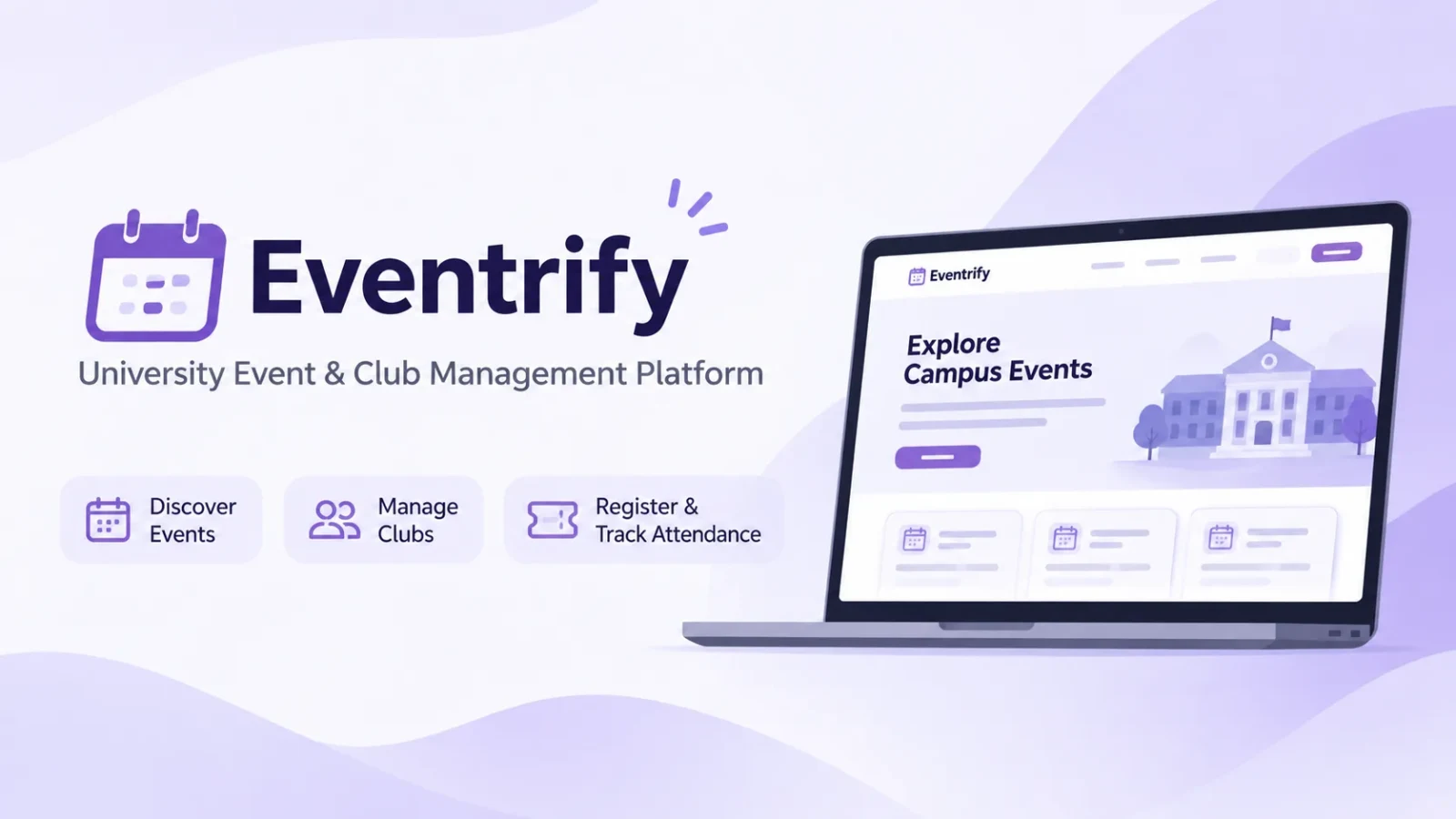
Eventrify — Uni Club & Event Management Platform
A centralized university event and club management platform that simplifies event discovery, registration, attendance tracking, and club administration. Built as a three-member Database Management Systems course project, it connects students, clubs, and administrators through a unified, database-driven system.

Course Project | Database Management Systems Laboratory (CSE 3522)
Team: One Cubed (3 Members)
University: United International University (UIU)
Development Period: September 2026
GitHub: Eventrify Repository
Project Overview
Eventrify is a centralized, database-driven university event management platform designed to simplify how students discover campus events and how university clubs organize and manage them.
Developed as a three-member course project, Eventrify brings event discovery, registration, attendance tracking, club administration, and room booking into a single web application.
The platform provides dedicated dashboards for Students, Club Administrators, and System Administrators, connecting different aspects of campus event management through a unified database.
The Problem
University clubs traditionally rely on multiple disconnected platforms to organize events. Event announcements are shared through social media, registrations are collected using Google Forms, participant information is maintained in spreadsheets, and attendance is recorded manually.
This creates several challenges:
Students struggle to discover events organized by different university clubs.
Club organizers must manage registrations, participant lists, and attendance across multiple platforms.
Event capacity and registration records are difficult to maintain consistently.
Students lack a centralized history of their campus event participation.
Room booking and administrative approvals require separate coordination.
Our Solution
We developed Eventrify as an all-in-one campus event management system that connects students, university clubs, and administrators.
Students can explore upcoming events, register, and track their participation. Clubs can publish events, create customized registration forms, manage participants, and record attendance. System administrators oversee club verification, room booking requests, and platform activities.
All these operations are connected through a centralized relational database, allowing information to remain organized and accessible across the platform.
Key Features
Student Experience
Event Discovery: Browse and search university events with category, club, date, and availability filters.
Event Registration: Register for events through customized registration forms.
Capacity & Waitlist: Automatically place new registrations on a waitlist when an event reaches capacity.
Student Dashboard: View registration history, upcoming events, and attendance records.
Participation History: Maintain a record of attended university events.
Issue Reporting: Submit event-related or club-related reports for administrative review.
Club Management
Club Verification: Apply for club registration and receive administrative approval.
Event Management: Create, edit, publish, and manage events.
Dynamic Form Builder: Design event-specific registration forms with different question types.
Participant Management: Monitor registrations, search participants, and manage attendance.
Attendance Tracking: Check in participants using student information and support walk-in registrations.
Team & Permission Management: Assign club owners, admins, and executives with configurable access permissions.
Room Booking: Request university rooms using an availability-based booking system.
Event Analytics: Monitor registration and attendance statistics.
System Administration
Approve or reject club registration requests.
Manage university clubs, events, and platform users.
Review and process room booking requests.
Monitor platform statistics and activity.
Review student reports and update their resolution status.
Archive removed events and preserve their registration history.
How We Built It
Eventrify was developed collaboratively by a team of three members, with responsibilities divided into major functional areas.
We started by identifying the challenges in existing university event management workflows and defining the requirements for students, clubs, and administrators.
Next, we designed the relational database to connect student accounts, clubs, events, registrations, attendance records, and administrative operations.
The application was then developed around three primary user roles, each with its own dashboard and permissions.
Throughout development, we integrated the frontend, backend, and database components, tested different user workflows, and improved input validation, access control, and data handling.
Database Design & Implementation
As a Database Management Systems course project, relational database design was a central part of Eventrify.
We developed a MySQL database consisting of 14 interconnected tables and 21 foreign-key relationships, organized around five major areas:
User Management: Student accounts, club users, and system administrators.
Club Management: Club information, verification status, and role-based permissions.
Event & Registration Management: Events, custom registration fields, participant records, and form responses.
Administrative Operations: Room booking requests and issue reports.
Data Archiving: Preservation of deleted event information and registration history.
The database supports dynamic registration forms, duplicate registration prevention, role-based access control, registration status tracking, and relationships between different user activities.
We also implemented database transactions for important operations, including club applications, room booking submissions, and event archiving, helping maintain data consistency.
Basic System Workflow
1. Club Registration & Approval
A university club applies to join Eventrify. The system administrator reviews the application and approves access to the club dashboard.
2. Event Creation & Publishing
An approved club creates an event, defines its schedule and capacity, and configures a registration form. The published event becomes visible to students.
3. Student Registration
Students discover events through the event explorer and submit registrations. The system checks for duplicate registrations and available capacity before assigning a registration status.
4. Attendance & Participation Tracking
During the event, club organizers check in participants. Attendance information is stored in the database and reflected in student participation records.
5. Administrative Monitoring
Administrators manage club approvals, room booking requests, reported issues, and overall platform activities.
Technologies Used
CategoryTechnologiesFrontendHTML, CSS, JavaScriptStylingTailwind CSSBackendPHP 8DatabaseMySQLDatabase ManagementphpMyAdminDevelopment EnvironmentXAMPP, VS CodeVersion ControlGit, GitHub
Project Outcome
Eventrify successfully brought the major university event management workflows into one functional, database-driven application.
The completed project includes separate user dashboards, event discovery, registration management, attendance tracking, club administration, room booking, reporting, and analytics.
Beyond the original project proposal, we also implemented room booking with administrative approval, event archiving, and analytics dashboards.
The project provided practical experience in relational database design, full-stack web development, access control, data validation, and collaborative software development.
Some planned improvements, including QR-based attendance and automatic waitlist promotion, remain opportunities for future development.